
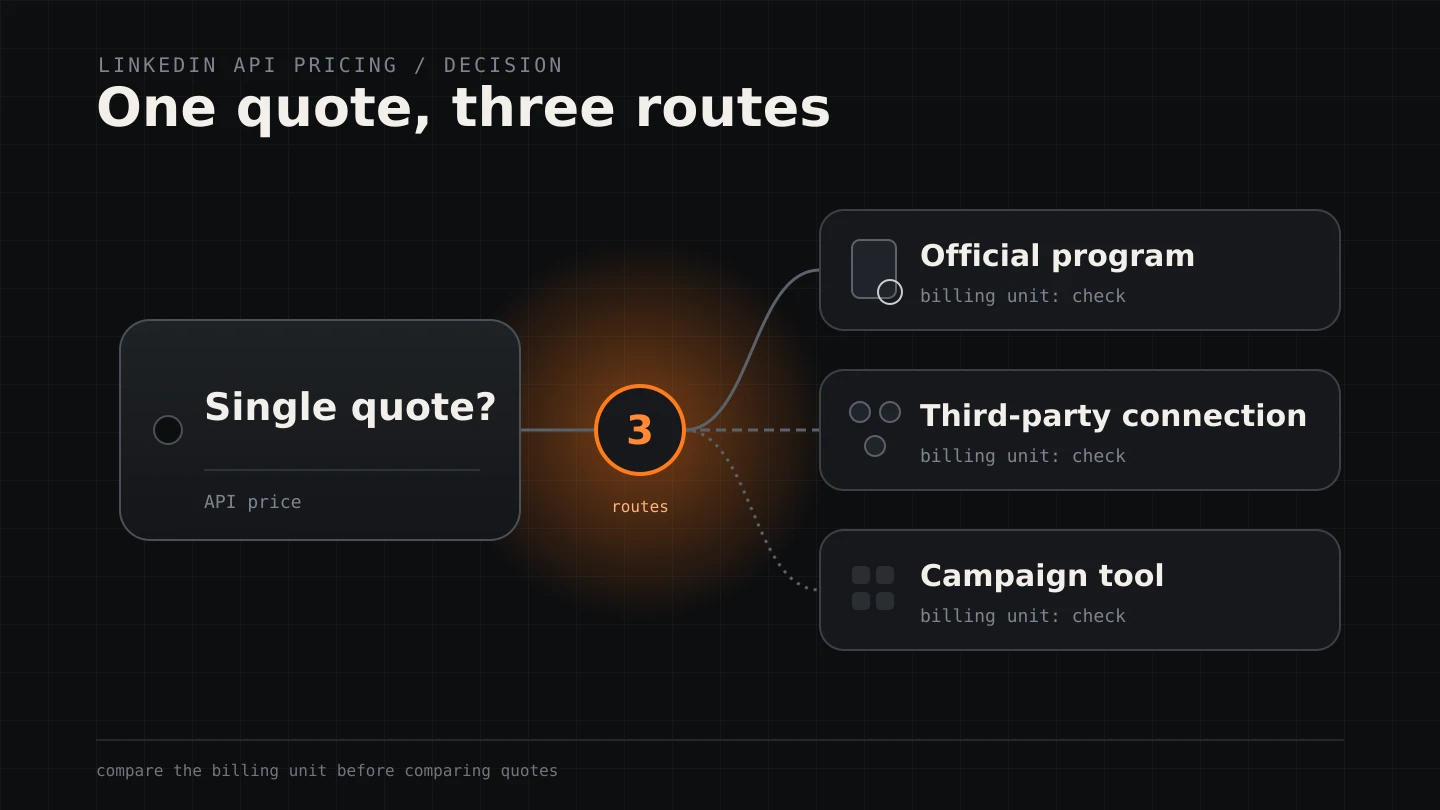
LinkedIn API pricing depends on the access route. Official access goes through LinkedIn's own developer programmes, and we found no public per-call price list to quote for them. Third-party providers publish per-account monthly prices: on October 15, 2026, one LinkedIn account cost between $20 and $79 a month in USD list prices across four providers.
That range hides most of the decision. The cheapest provider at one account is not the cheapest at 10, a per-seat tool and a per-account API are not the same product, and none of these subscriptions is the total cost of running LinkedIn from your stack. This guide sets out what each route costs on paper, what the price leaves out, and how to pick one for a given task.
Why "LinkedIn API pricing" has no single answer
The phrase covers three different routes:
- The official LinkedIn API. The developer platform LinkedIn runs itself, documented on the LinkedIn developer portal and in LinkedIn's API documentation on Microsoft Learn.
- A third-party LinkedIn API. A provider that connects your own LinkedIn account and exposes actions (search, messages, invitations, profile reads) through REST, MCP or both, billed per connected account.
- A campaign tool with an API. A ready-made outreach product, billed per sender seat or in bundles, that also offers an API or MCP server on top of its interface.
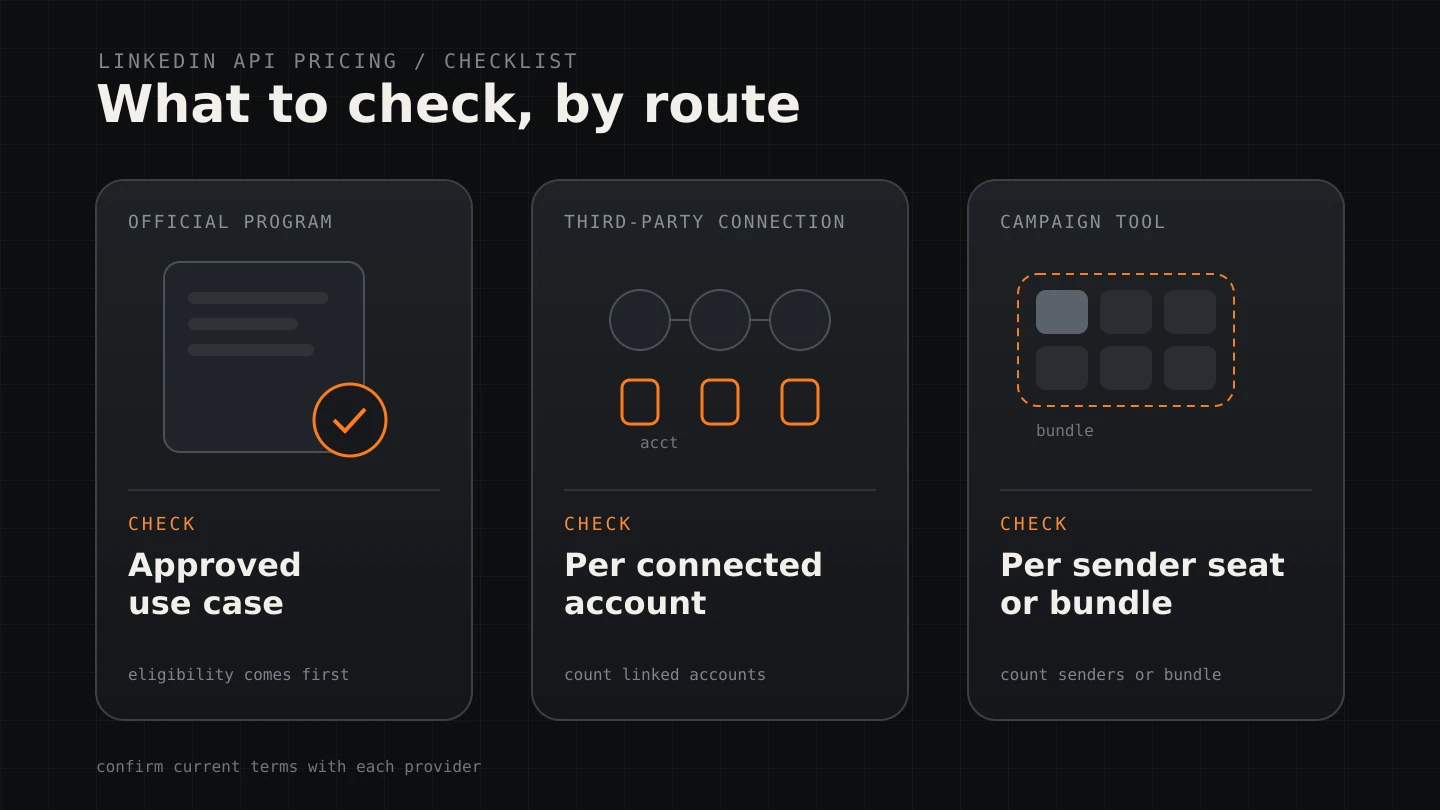
Each route bills a different unit. Official programmes are organised around approved use cases. Third-party APIs bill per linked account. Campaign tools bill per sender or per bundle of senders. Comparing their price tags as if they measured the same thing leads to the wrong shortlist.
What the official LinkedIn API costs
This guide does not quote a price for LinkedIn's official programmes, because none appears in the evidence we reviewed for it. That is not the same as saying official access is free.
What a technical decision maker should confirm directly with LinkedIn before budgeting:
- Which permissions your use case needs, and how each is granted. LinkedIn's official guide to getting API access separates self-service permissions from permissions that go through an approval path, and the Sales Navigator API permissions it lists require partner approval. Check whether the action you need (reading a member's messages, running a Sales Navigator search, sending invitations on a member's behalf) is available to your type of application at all.
- Whether access requires an application or partnership review, and how long that review takes. A route you cannot get approved for has no useful price.
- Commercial terms. Ask whether fees, minimums or contract commitments apply, and whether they depend on volume.
- Usage rules. Check the rate limits and data-use terms that apply to the product you would use.
If an official programme covers your task and approves your application, it is the route with the clearest standing: it is LinkedIn's own interface. The rest of this guide is for teams whose task falls outside what they can get through that door, or who need the actions to run on accounts they operate themselves.
Third-party providers: what you are actually buying
Third-party LinkedIn API providers are not the official LinkedIn API. They act as intermediaries on the LinkedIn account you connect.
Unipile, for example, states on its pricing page that it operates LinkedIn, WhatsApp and Instagram through reverse engineering as an independent technical intermediary (observed October 15, 2026). ReachMCP's documentation describes using the account holder's session and LinkedIn's internal interfaces, and does not present itself as the official API either.
The consequence for a buyer: official-API status does not separate these providers from each other. None of them can guarantee LinkedIn compliance, that an account will not be restricted, or a fixed throughput. What separates them is the unit of work, the channels covered, the account controls and the published price.
Published prices at 1, 10, 25 and 50 LinkedIn accounts
The table below is a dated catalogue snapshot, not a quote. It shows monthly list subscriptions in USD for n LinkedIn accounts, as published or computed from published tiers. It is not the total cost, a margin or an ROI figure.
| LinkedIn accounts | ReachMCP (Standard) | Unipile (ex-VAT) | Crispy (monthly) | HeyReach Growth | HeyReach Agency |
|---|---|---|---|---|---|
| 1 | $20 | $55 | $49 | $79 | Not published (use calculator) |
| 10 | $83 | $55 | $490 | Not published (use calculator) | $999 (25-sender pack) |
| 25 | $158 (computed from tiers) | $137.50 | $1,225 | Not published (use calculator) | $999 (25 senders) |
| 50 | $283 | $275 | $2,450 | Not published (use calculator) | Not published (use calculator) |
Sources and dates: ReachMCP's published Standard grid and the Unipile, Crispy and HeyReach pricing pages, all observed November 16, 2026. USD as published, no currency conversion. Crispy totals multiply its monthly per-account rate. "Not published" means HeyReach's monthly page shows no price for that sender count: use HeyReach's calculator with your billing period. ReachMCP's effective checkout currency and taxes are unverified. Only Unipile states that its prices exclude VAT.
How each column is built:
- ReachMCP publishes a degressive grid: $20 for the first account, $7 per account from the 2nd to the 10th, and $5 per account from the 11th. The 1, 10 and 50 totals are published; the 25 total is computed from those tiers.
- Unipile prices per linked account across all its channels: $55 a month in total up to 10 accounts, then $5.50 per account from 11 to 50, with the tier rate applied to all accounts and billing on peak simultaneous active accounts. This comparison stops at 50 accounts, so confirm Unipile's rate above 50 directly before relying on it.
- Crispy has one plan per connected LinkedIn account: $49 per seat per month in the monthly view. In October 2026 it also showed $39 per month billed annually.
- HeyReach shows Growth starting at $79 for one sender and Agency at $999 for 25 senders on its monthly page. It publishes no other totals there, so this table does not estimate them: for other sender counts and billing periods, use HeyReach's calculator. At 10 accounts the table shows the observed 25-sender pack; check the calculator for a closer fit.
What the table says, and what it does not
Read it in bands. ReachMCP lists a lower monthly price than Unipile for one to five LinkedIn accounts. They tie at $55 for six accounts. From seven to ten, Unipile stays at $55 while ReachMCP goes from $62 to $83. Unipile also lists a lower price from 11 to 50 accounts. At 50, the gap is $8 ($275 for Unipile and $283 for ReachMCP).
From 10 accounts, published per-seat and pack prices sit in a different band from per-account APIs. Crispy lists $490, $1,225 and $2,450 at 10, 25 and 50 accounts, and HeyReach's 25-sender Agency pack is $999 at 10 and 25 accounts, against $55 to $283 for the per-account APIs (ReachMCP, Unipile) at the same counts. HeyReach publishes no total at 50 on its monthly page, so this guide makes no HeyReach comparison there. At a single account the gap is narrower: Crispy's $49 seat is below Unipile's $55. The gap is real on paper, but it buys different things: HeyReach sells campaigns, sequences and a unified inbox, which a per-account API does not provide. A lower subscription only matters if you were going to build that layer anyway.
Unipile covers more channels. Its price is for linked accounts on any channel it supports, including email and messaging apps. If you need those channels too, compare against the combined cost of a LinkedIn-only option plus whatever covers the other channels.
If you are weighing those two specifically, our ReachMCP and Unipile side-by-side sets out the workflow and account-control differences beyond price.
Costs the subscription does not cover
A per-account API subscription is the access layer only. The real monthly cost of running LinkedIn from your own tools includes items no table above captures:
- LinkedIn subscriptions. Some actions need the account holder to pay LinkedIn: Premium for profile visitors, Sales Navigator or Recruiter for those search paths. No provider compared here includes these.
- Your orchestrator and AI assistant. n8n, Make, a hosted agent platform or an AI assistant plan are billed separately.
- Build and maintenance time. With a per-account API you build the sequences, follow-ups, reporting, CRM mapping and deduplication yourself, then supervise them. ReachMCP, for example, has no sequence interface, no production inbox and no native aggregated client report.
- Proxies. ReachMCP announces a residential proxy as provided, and HeyReach Growth includes proxies, while HeyReach Agency requires your own. Cost and availability of these were not tested, and no provider here offers an anti-ban guarantee.
- Taxes and currency. Only Unipile states VAT is excluded. Check the invoiced currency and tax treatment at checkout for every provider.
To compare fairly, put your own team's monthly build and supervision hours, at your own rates, next to the subscription gap. If those hours exceed the gap, the per-seat tool may be the cheaper line. We have no measured figure to give you for this; it depends on your stack and your people.
Trials and commitments
A trial is the cheapest way to check fit, and the four providers differ here too (Unipile, Crispy and HeyReach terms as observed in October 2026):
- Unipile: 7-day trial without a card.
- ReachMCP: the site declares a seven-day trial without a card; the trial's exact terms and quotas are not confirmed, so check them before you plan a test.
- Crispy: no free trial, with a 14-day money-back guarantee.
- HeyReach: quarterly and yearly billing lower the displayed monthly equivalent; annual billing on Agency packs equals list price x 12 x 0.8.
Plan the trial around one real task (for example, reading replies from one account into your CRM) rather than a feature tour. A week is short; decide in advance what you need to see.
How to choose: official programme, per-account API or campaign tool
Start from the task, then the account count, then the price.
| Your situation | Route to evaluate first | Why |
|---|---|---|
| Your use case is covered by an official LinkedIn product and you can get approved | Official LinkedIn programme | It is LinkedIn's own interface; confirm commercial terms and limits directly |
| You need ready-made campaigns, sequences and a unified inbox for many senders | Campaign tool with an API (HeyReach, Crispy) | You pay per seat or pack, but you do not build the campaign layer |
| You need LinkedIn plus email or messaging apps behind one API | Unipile | Supports channels beyond LinkedIn |
| You run one to five LinkedIn accounts and subscription price comes first | ReachMCP | Lower monthly list price than Unipile |
| You run six LinkedIn accounts and subscription price comes first | Compare both | Both list $55 per month |
| You run seven to ten LinkedIn accounts and subscription price comes first | Unipile | Its monthly list price stays at $55 through ten accounts |
| You run 11 to 50 LinkedIn accounts and subscription price comes first | Unipile | Lower monthly list price than ReachMCP in this band |
| You run around 50 accounts on LinkedIn only | ReachMCP or Unipile | List prices are close; decide on workflow, account controls and channels |
| You cannot staff building and supervising workflows | Campaign tool | A lower API subscription does not offset build and maintenance time |
Questions that settle close calls:
- What is the unit of work? A campaign with branching sequences, or individual actions called from your own workflow?
- How will your account count move over 12 months? Both providers change their per-account pricing above ten accounts. For other HeyReach sender counts, check its calculator.
- Do you need client separation? Keys restricted to specific accounts, client workspaces and full white label are three different things. Ask each provider what it actually provides.
- How fast must you react to replies? ReachMCP, for example, detects replies and new connections by documented polling, up to around six minutes, so it is not real time.
- Who maintains the workflow when it breaks? Name the person before you sign.
Where ReachMCP fits
ReachMCP is managed LinkedIn access for teams that build and operate their own automations. It exposes LinkedIn and Sales Navigator actions to AI assistants and workflows through remote MCP (with OAuth) and REST (with an X-API-Key header).
What it provides, with its limits:
- Per-account pricing on a published USD grid ($20, then $7, then $5 per account), with the checkout currency unverified.
- Client account connection through an invitation page that can carry your brand name and logo. This is not a full white label.
- API keys restricted to specific accounts. The restriction is exposed in the contract and interface; server-side isolation has not been independently tested.
- Durable jobs that batch one type of action per account under configurable quotas. These quotas are ReachMCP limits, not LinkedIn's official limits.
- Webhooks for replies, connections, account state, quotas and job progress, with a signing secret, history and replay.
What it does not do: no sequence interface, no production inbox, no demonstrated sender rotation, no native multichannel. You build those layers in your own tools, which is the trade the lower subscription asks you to make.
FAQ
Is the official LinkedIn API free?
We cannot confirm that it is free, and we do not quote a price for it: no official LinkedIn programme price appears in the evidence behind this guide. LinkedIn's official access guide separates self-service permissions from approval paths, and the Sales Navigator API permissions it lists require partner approval. Before budgeting, confirm with LinkedIn whether your use case is covered, whether an application or partnership review applies, and whether any fees, minimums or contract terms come with approval. A route you cannot get approved for has no useful price, so check eligibility first and cost second.
How much does a third-party LinkedIn API cost per account?
In an October 15, 2026 snapshot of published USD list prices, one LinkedIn account cost $20 a month at ReachMCP and $55 at Unipile, whose $55 covers up to 10 accounts. At 25 accounts, Unipile was $137.50 and ReachMCP $158; at 50, $275 and $283. Per-seat campaign tools charged $49 per seat (Crispy, monthly) and $79 for one sender (HeyReach Growth). These are list subscriptions only, not total cost, and currencies and taxes must be checked at checkout.
Which is cheaper, Unipile or ReachMCP?
In the November 16, 2026 comparison above, ReachMCP has the lower monthly list price for one to five LinkedIn accounts. Both providers list $55 at six accounts. Unipile lists a lower price from seven to 50, the upper limit of this comparison. Unipile also covers email and messaging apps. If you expect your account count to grow, compare each provider at the number of accounts you expect to run in a year.
Is a third-party LinkedIn API safe for my account?
No third-party provider can guarantee that LinkedIn will not restrict an account, or that use complies with LinkedIn's terms. Unipile describes itself as an independent intermediary operating through reverse engineering; ReachMCP uses the account holder's session and LinkedIn's internal interfaces. Configurable quotas and provided proxies are risk controls, not guarantees. If your organisation cannot accept that residual risk, evaluate the official LinkedIn programmes first and take legal advice on your specific use case.
Why do campaign tools list higher than per-account APIs from 10 accounts?
Because they sell a different product. A campaign tool such as HeyReach includes sequences, multi-sender campaigns and a unified inbox, priced per sender or in packs. A per-account API provides access to actions and leaves the campaign layer, follow-up, reporting and CRM mapping to you. Where prices are published (Crispy at 10, 25 and 50 accounts, HeyReach's 25-sender pack at 10 and 25), the subscription gap on paper is large, but your team's build and maintenance hours belong in the comparison. If you would not build that layer anyway, the per-seat price may be the better deal.
Does the API subscription include Sales Navigator?
No. Sales Navigator, Recruiter and Premium are LinkedIn subscriptions paid by the account holder. Third-party providers expose actions on those subscriptions when the account has them, for example Sales Navigator searches or profile visitors, but none of the providers compared here includes the LinkedIn subscription in its price. Add those seats to your budget for every account that needs them, alongside your orchestrator and assistant plans.
Next steps
If you want to go deeper on price bands and account controls between two per-account APIs, revisit the price table above and the workflow comparison linked after it.
If you are ready to test one real task on your own account, ReachMCP's per-account pricing and trial page shows the published tiers and how the trial starts before you sign up. Remember that none of the prices above includes your LinkedIn subscriptions or the tools you orchestrate them with.